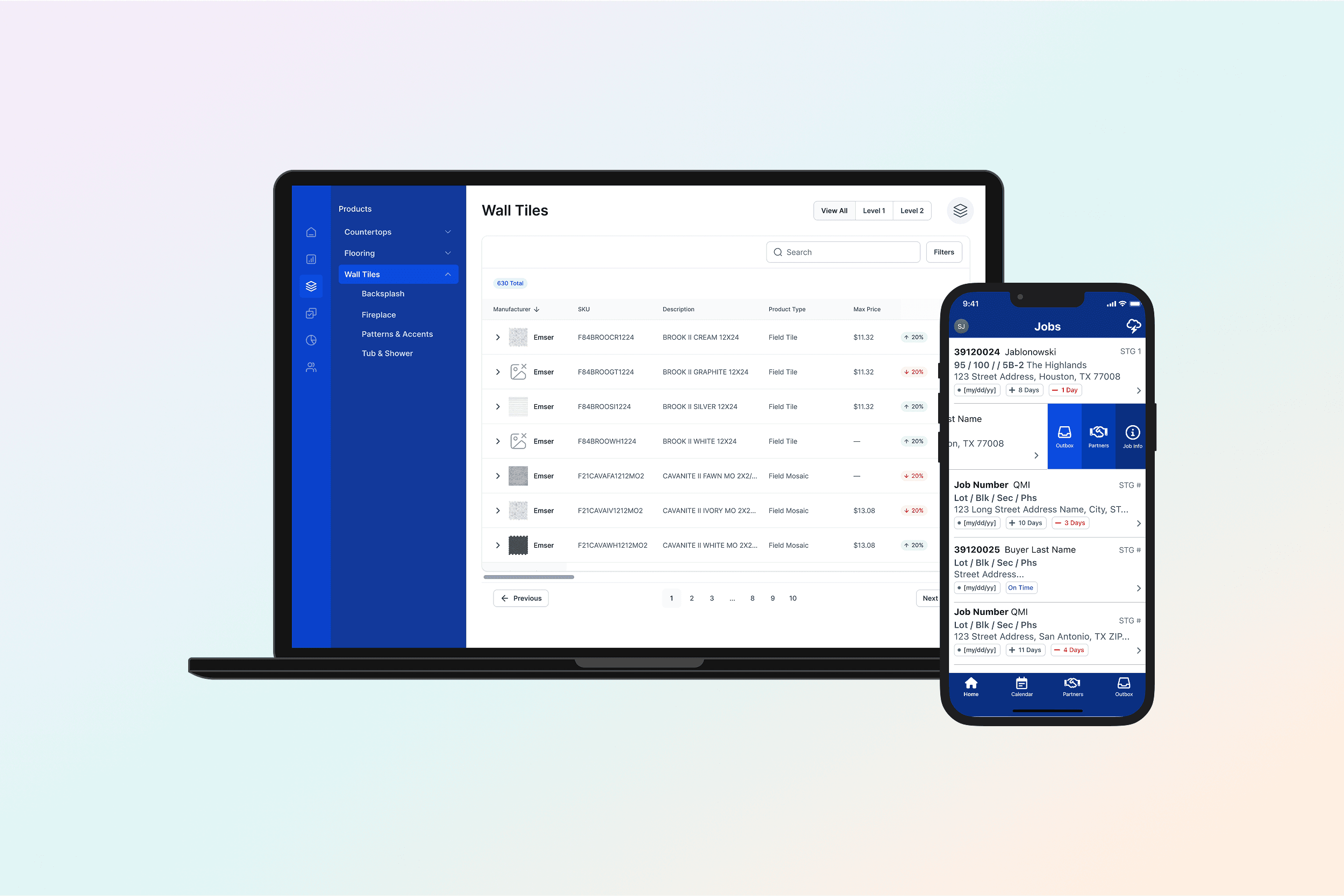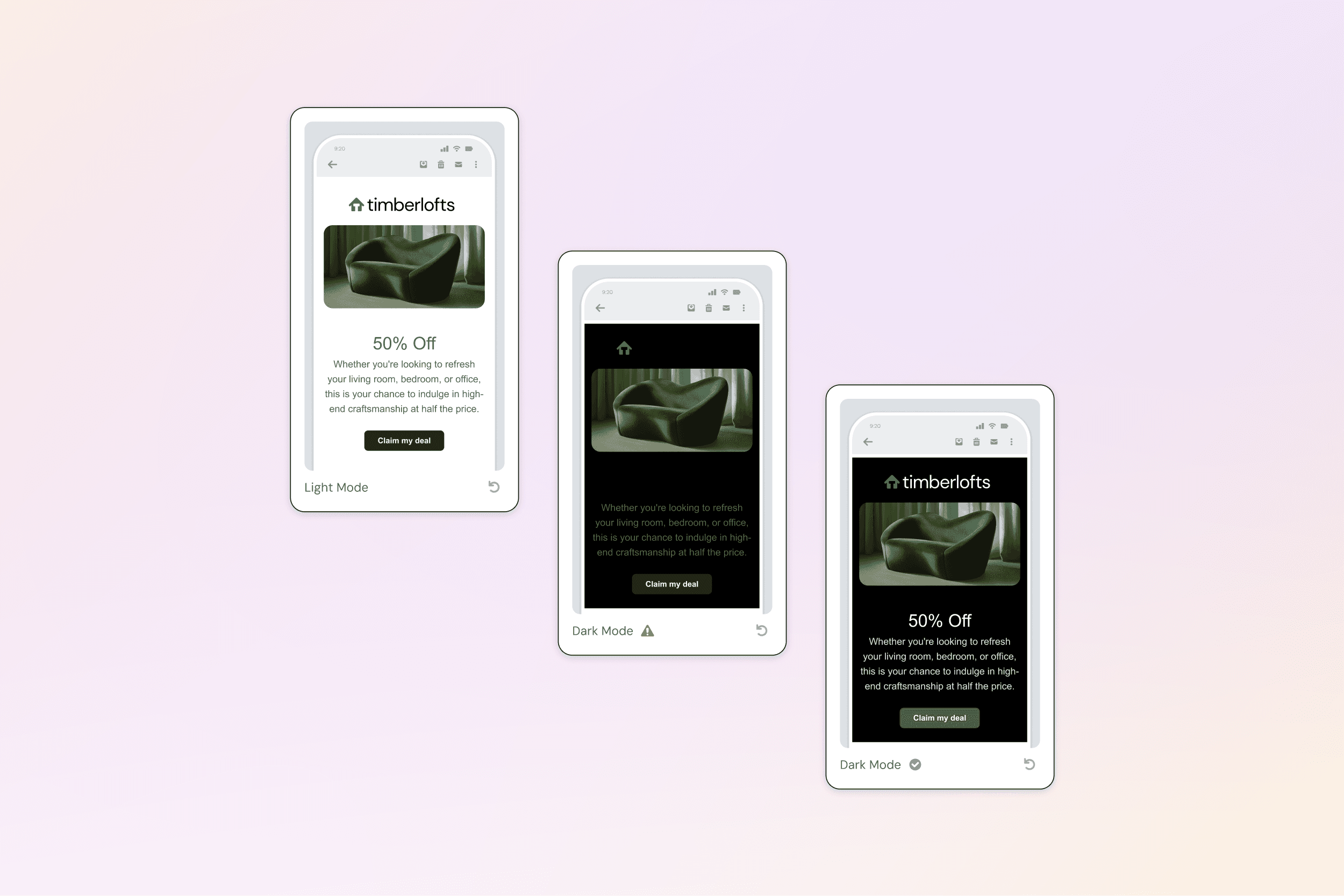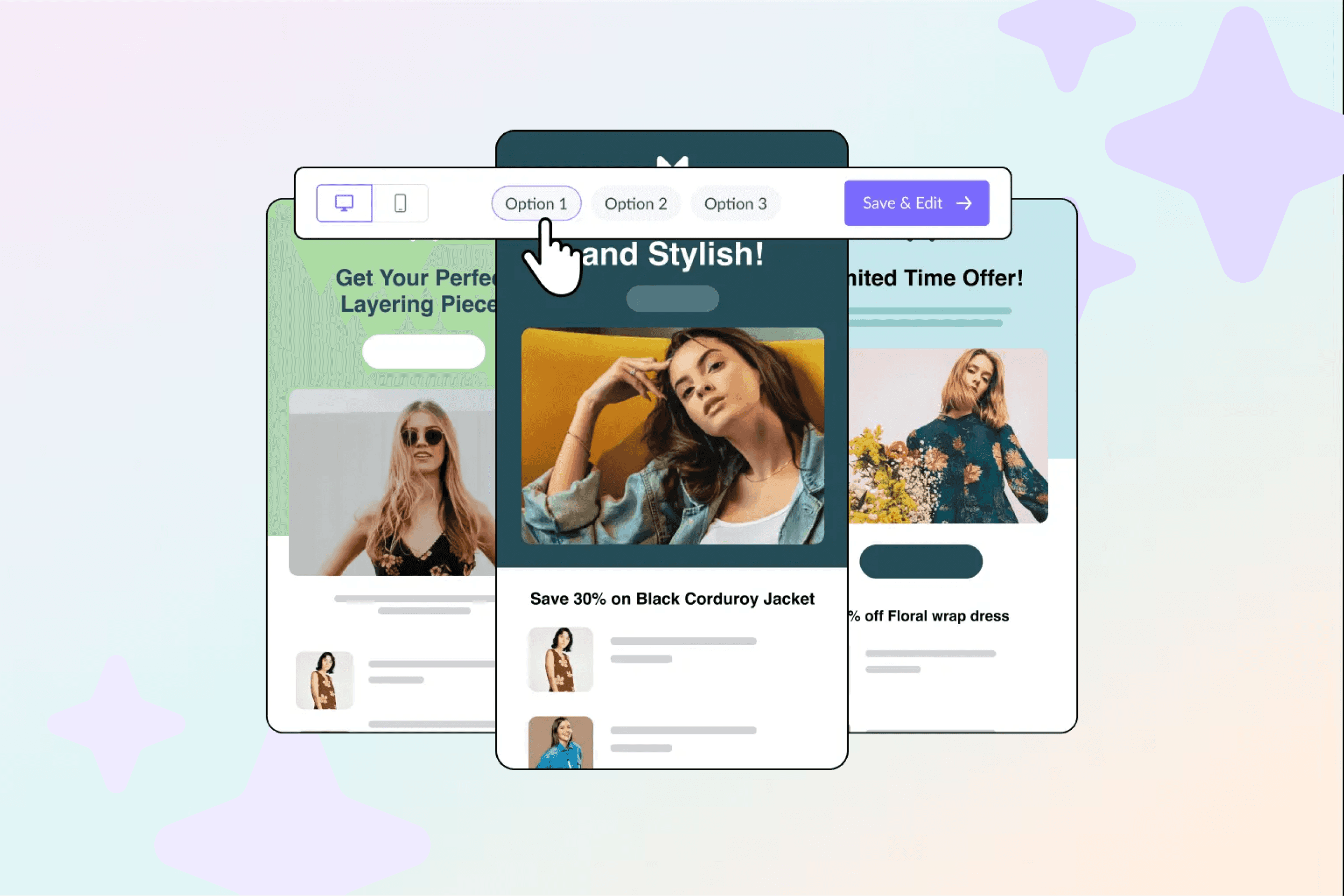
AI Template Generator
Creating email campaigns was a persistent bottleneck for Mailjet users. Marketers spent hours assembling layouts, fixing formatting inconsistencies, and manually applying brand styles—often resulting in uneven quality and slow turnaround.
We designed a brand-aware AI Template Generator that allows users to generate professionally structured, on-brand email templates in minutes. By combining generative AI with Brand Kit inheritance, guardrails, and editable outputs, the system accelerates campaign creation without sacrificing control, trust, or brand integrity.
Early results showed dramatic improvements in efficiency, adoption, and campaign performance.
Timeline:
Q1–Q2 2024
Role:
Senior Product Designer
Team:
Product, AI Platform, Growth, Lifecycle
Services:
AI-driven template creation, brand inheritance, governance

Manual campaign creation was:
Time-consuming
Repetitive
Error-prone
Visually inconsistent
This friction was amplified for:
Small teams without design support
Agencies producing campaigns at scale
Novice creators lacking visual design confidence
User feedback consistently reflected this pain:
“Some formatting inconsistencies make it hard to create beautiful emails.”
“I wish the email editor was more user-friendly, modern, and robust.”
This wasn’t a novelty problem—it was a structural UX gap.
AI could remove friction from:
Blank-page anxiety
Template hunting
Repetitive layout construction
Manual brand restyling
While also:
Reducing time-to-first-value
Increasing campaign velocity
Driving premium adoption
Early internal analysis suggested a 25–30% improvement in time-to-publish for new campaigns using AI for text generation, validating the opportunity.
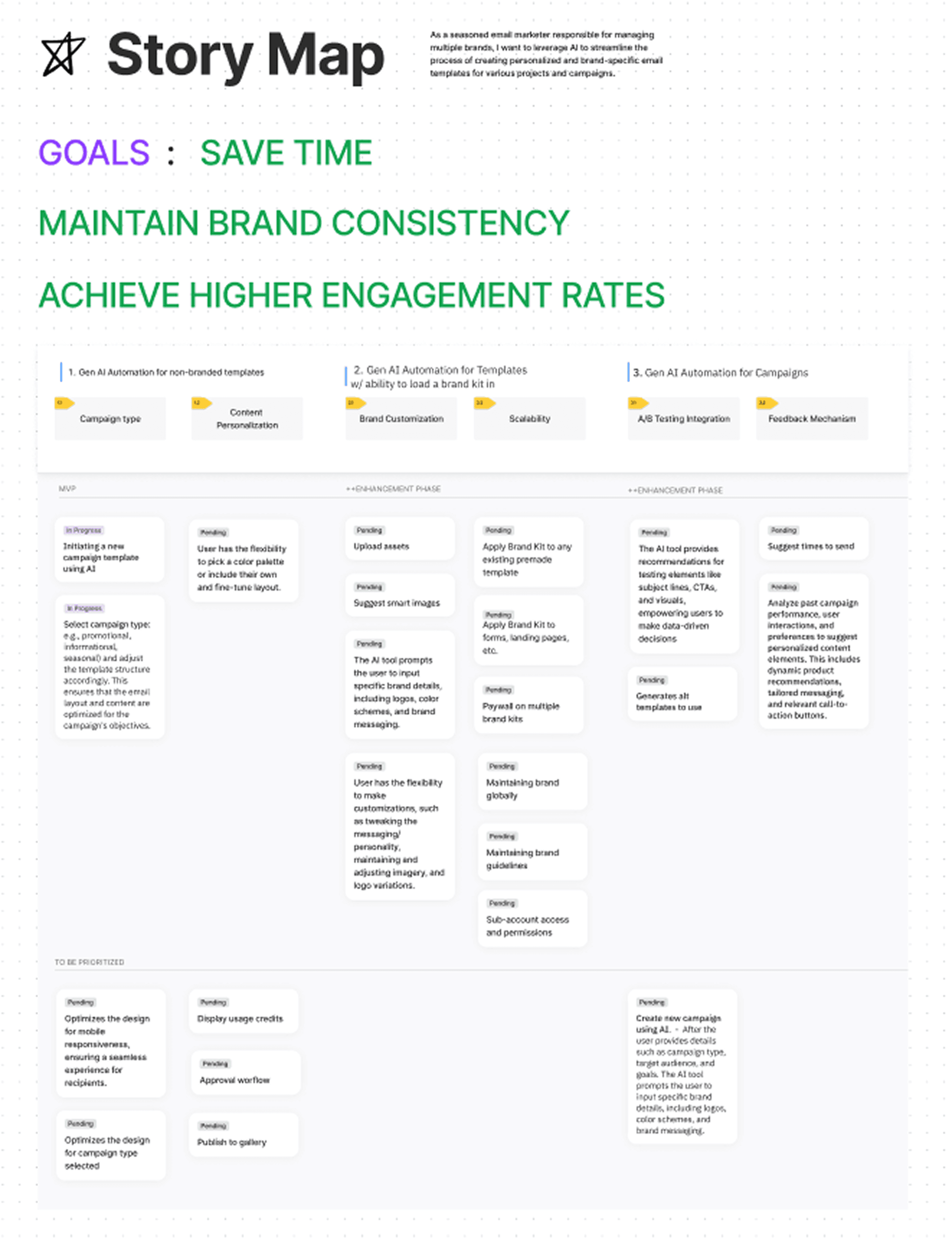
I owned the end-to-end design of the AI generation experience, including:
Prompt UX and input clarity
Content scoping and metadata guidance
Visual inheritance logic (Brand Kit integration)
Error states, fallbacks, and guardrails
“Oversight” UX patterns for editable AI output
Preview → apply → iterate flows
I partnered closely with:
AI platform teams on guardrails and output structure
Design system teams on brand token enforcement
Growth and Lifecycle teams on activation impact
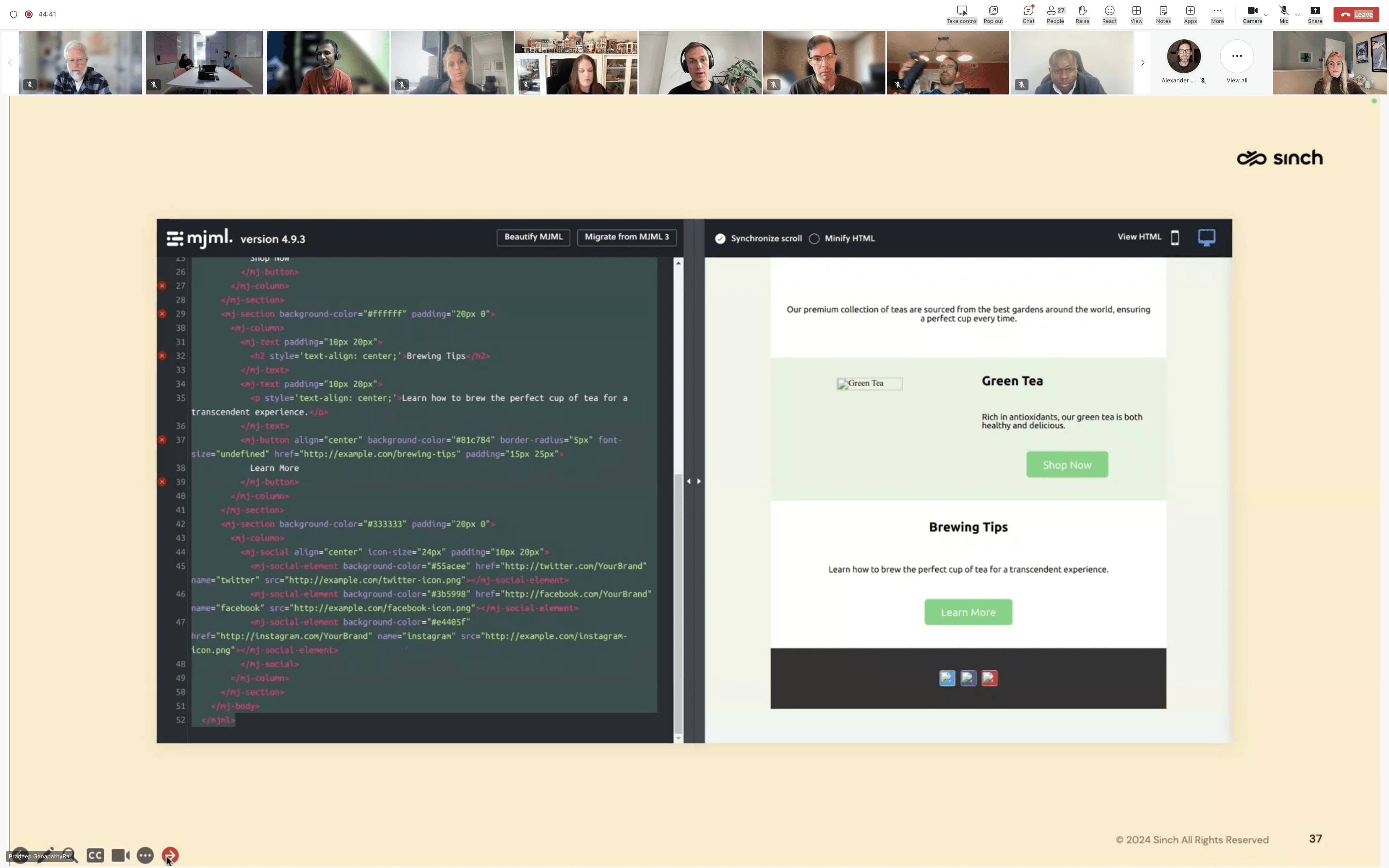
1. Contextual Prompt Panel
Users provide campaign context such as:
Goal
Audience
Tone
Brand personality
Industry
The system returns a structured template with:
Clear visual hierarchy
Section layout
CTAs
Image placement
This reduces blank-page anxiety while maintaining intent.
2. Automatic Brand Inheritance
AI outputs automatically align with:
Brand colors
Font stack
Header styles
Social block structure
This bridges two systems:AI ↔ Brand Kit, ensuring outputs are on-brand by default.
3. Next up: Smart Blocks
We introduced adaptive components that:
Reflow based on content density
Adjust hierarchy by campaign type
Default to accessibility-compliant color contrast
These encoded best practices many users struggled to apply manually.
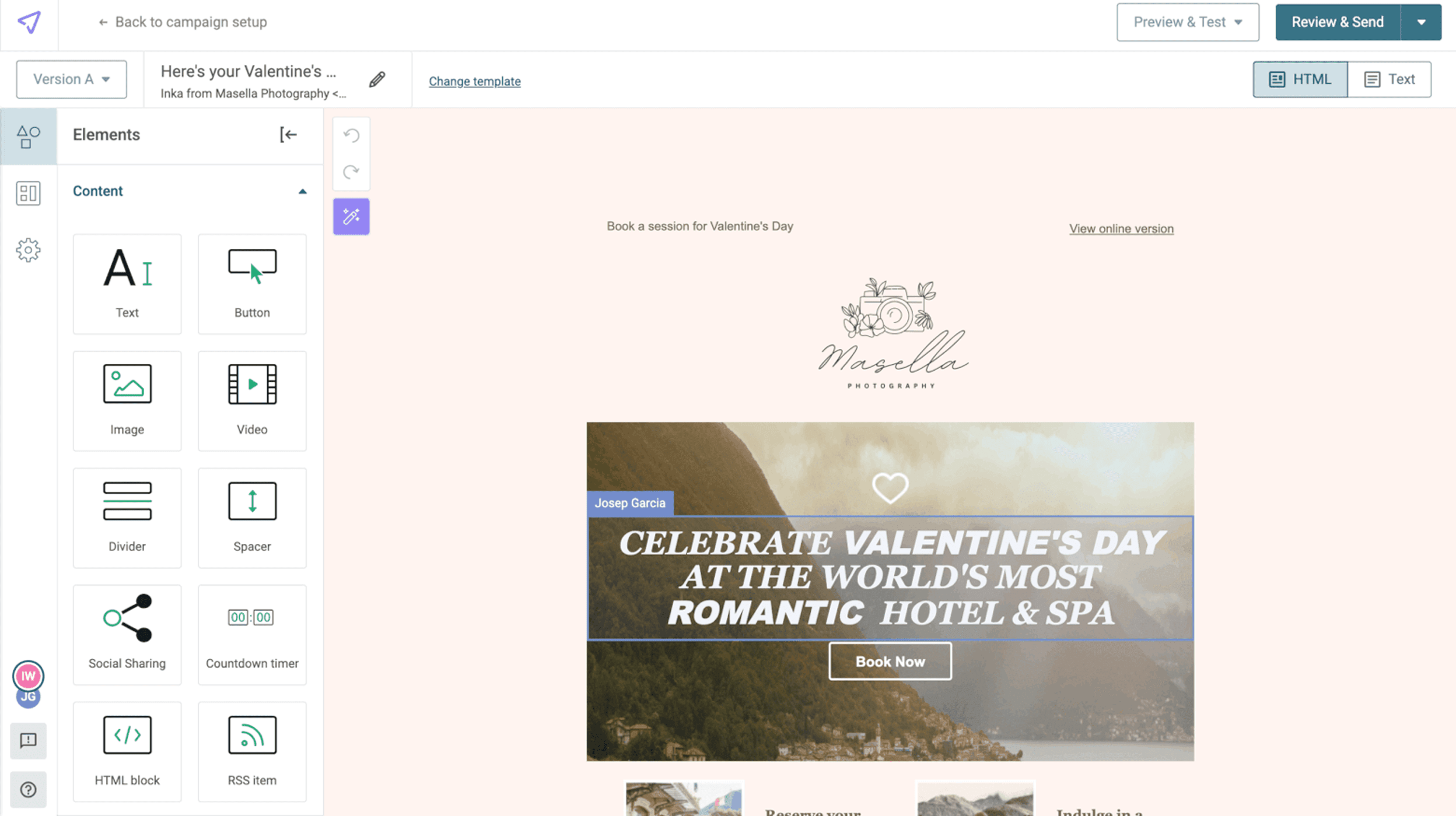
4. Oversight UX (Editable AI)
Users can:
Edit text
Remove sections
Adjust imagery
Restyle blocks
We intentionally avoided black-box AI.Control and ownership were non-negotiable.
5. Retry & Variation Controls
Instead of regenerating everything:
Keep sections you like
Adjust tone or CTA strength
Explore variations without losing progress
This reduces waste and frustration in iteration loops.
AI Is an Accelerator, Not a Replacement
Users wanted strong starting points, not finished work.
Design response: Editable outputs and scoped regeneration.
Placeholder Content Acts as Instructional UX
Users treated generated copy as guidance.
Design response: Tuned language to model best practices without implying constraints.
Guardrails Matter More Than Generation Quality
Without guardrails, AI introduces risk.
Design response:
Inline warnings
Required URL checks
Brand token enforcement
Accessibility-safe defaults
“Generated” Language Erodes Trust
Users reacted negatively to robotic tone.
Design response:
Natural, marketer-like language across outputs.
Blank Page Anxiety Is Emotional
AI reduced cognitive load with:
Subject line suggestions
Preview text
CTA variants
88% reduction in campaign creation time
45% adoption within first 3 months
3× more campaigns created per user
12% higher CTR on AI-generated campaigns
50,000+ campaigns generated shortly after launch
Before
Manual layout creation
Inconsistent brand output
High effort for novice creators
Designer dependency
After
Minutes to value
On-brand by default
Consistent quality
Higher editing confidence
The AI Template Generator reinforced:
Brand Kit governance
Token consistency
Design system maturity
It demonstrated how AI, systems, and governance reinforce each other.

[Asset – System map (optional)] AI Generator ↔ Brand Kit ↔ Editor ↔ Campaign send
AI is not magic.
Without:
Guardrails
Editing affordances
Brand inheritance
Accessibility defaults
AI becomes chaos.
With them, it becomes leverage.
This project required:
Cross-system thinking
Trust and risk modeling
AI UX judgment
Error-path design
Content strategy
Governance awareness
Insights are based on internal usability testing, analytics, and post-launch performance tracking. Artifacts shown are representative and anonymized.